Content Craft
Write Carousel Closing Slides That Make Borrowers Take Action
The last slide of your carousel is your last chance to move a borrower from passive viewer to active participant. A weak final slide leaves them scrolled-through but detached. A strong closing slide asks for something specific—a reply, a save, a share, or a direct message. This guide shows you how to close your carousel in a way that creates the conversation you want.
What a Strong Closing Slide Does
Your closing slide does four things: (1) it acknowledges what the borrower just read, (2) it names the emotional payoff or relief, (3) it asks for a specific action, and (4) it makes the action easy to understand. The slide isn't about you—it's about the borrower and their next move. If your closing slide says 'Follow for more!' you've wasted the energy of a thoughtful carousel. If it says 'Reply with your timeline so we can talk,' you've created an entry point.
- Acknowledge what the borrower learned ('Now you know how pre-approval works')
- Name the feeling or benefit ('You're closer to buying than you think')
- Ask for one specific action (reply, save, DM, visit your link)
- Make the action simple and low-friction (don't ask for homework)
The 'Save This' CTA
Ask borrowers to save your carousel if it's reference material they'll need later. This works especially well for process carousels, checklists, or timeline carousels. 'Save this timeline so you can reference it when you start shopping.' Saves signal high-value content to platforms, which boosts your reach. Plus, borrowers who save are more likely to reach out later when they're ready to act.
- Use when your carousel is educational or reference-heavy
- Emphasize the future use: 'Save this for when you're ready to shop'
- Pair with a visual or call-out to make saving feel worth it
- Follow up with paid ads or email nurturing to borrowers who saved
The 'Reply or Comment' CTA
Ask borrowers to respond with information: their biggest worry, their timeline, a question, or which myth they've heard most. This CTA is a screening tool and a relationship starter. 'Reply with your biggest pre-approval question' invites borrowers to self-identify and gives you real information. Comment CTAs also boost carousel performance because comments are algorithmic gold.
- Ask a question that's easy to answer in a few words
- Make the question borrower-centric ('Your biggest concern?') not LO-centric
- Commit to replying to early comments so others see dialogue
- Watch replies for patterns—they're free market research
The 'DM or Direct Message' CTA
Close with an invitation to direct message you if the carousel applies to their situation. 'If you're thinking about buying in the next 6 months, DM me.' This CTA is warmest because it moves the conversation private and gives you a path to a one-on-one conversation. It works especially well when your carousel addresses a specific situation (self-employed borrowers, investors, co-buyers) rather than a general topic.
- Use when your carousel targets a specific situation or borrower type
- Make the DM invite feel accessible and low-pressure ('No sales pitch, just facts')
- Respond to every DM within 24 hours—speed builds trust
- Prepare a short follow-up message so you're not starting from scratch
The 'Share This' CTA
Ask borrowers to share your carousel with a friend or family member who needs the information. This CTA works best for widely applicable carousels (first-time buyer myths, credit-score reality checks, loan-program overviews). 'Share this with someone thinking about buying—they need to see this.' Shares expand your reach through trusted networks, which is more valuable than algorithmic reach.
- Use for content that's broadly helpful, not niche
- Emphasize the person they should share with ('Your mom', 'Your sibling planning to relocate')
- Make sharing feel like doing a friend a favor, not promoting you
- Track shares and monitor which content spreads fastest
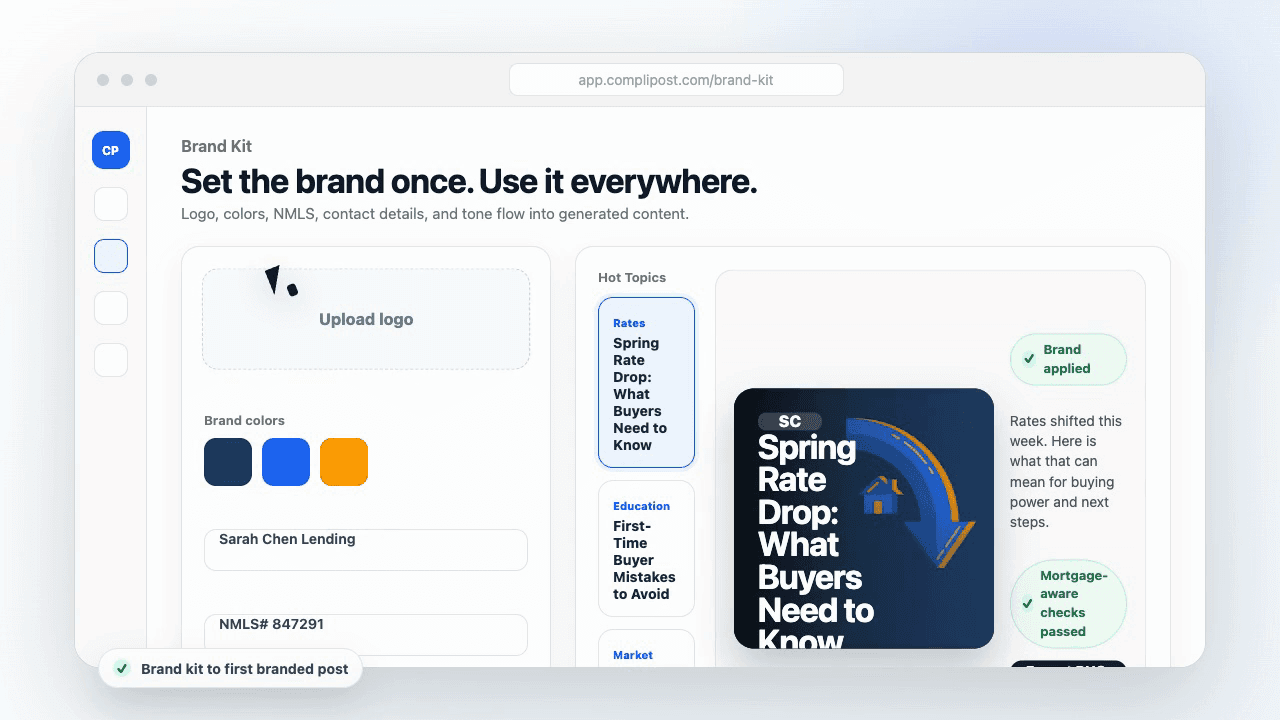
Product workflow
From blank page to export-ready mortgage content
- Start with a borrower topic
- Generate copy and a visual direction
- Review, save, and export the finished asset
These previews reflect the core CompliPost workflow: create, review, save, and export assets for use in your own channels.
Workflow comparison
| Content approach | What happens | Why it matters |
|---|---|---|
| Random posting | One-off ideas created when there is spare time | Inconsistent visibility and weak reuse |
| Template-only posting | Faster design but still requires rewriting and review | Helpful starting point, but not a full system |
| CompliPost workflow | Plan, generate, review, save, and export from one place | Better consistency with mortgage-aware review context |
| Done-for-you service | Someone else creates much of the content | Useful for some teams, but less control and less immediate reuse |
Who this guide helps
This guide is for loan officers working on solo loan officers who need a repeatable mortgage content workflow. The goal is to turn a broad mortgage topic into one borrower question, one useful takeaway, and one asset that can be reviewed before it is shared.
- You need content that sounds like a loan officer, not a generic brand account
- You want examples that can become captions, graphics, GIFs, or PDFs
- You need a clear place to review claims before export
- You want finished work saved for reuse, not lost in a chat thread
A practical workflow for this use case
Start with a narrow scenario, then move through planning, drafting, visual creation, review, and export. For carousel closing cta slide, that means the topic should be specific enough that a borrower or referral partner can immediately understand what decision the content helps with.
- Choose the borrower type, loan topic, or platform before generating copy
- Draft the caption and visual together so the asset feels cohesive
- Use the federal baseline review aid to flag claims and disclosure gaps
- Export the finished asset and save the post as a reusable starting point
What makes the content stronger
Strong mortgage content is usually specific, plain-spoken, and calm. It explains tradeoffs without pretending one answer fits every borrower. That is especially important on public social channels, where a short post can be interpreted without the full context of a loan conversation.
- Name the borrower question in the first line
- Explain one decision or tradeoff instead of covering everything
- Use examples without implying approval, savings, or rate outcomes
- End with a soft next step, checklist, or guide rather than pressure
Compliance-aware review notes
CompliPost should be treated as a review aid, not a compliance approval system. The public page, generated draft, graphic, and exported asset should all stay honest about that boundary.
- Review specific payment, APR, rate, savings, and qualification language
- Avoid “best,” “lowest,” “guaranteed,” “free,” and urgency claims unless approved
- Check NMLS, Equal Housing, company, and state-specific requirements
- Use company or legal review for anything outside the federal baseline
How this connects to the rest of CompliPost
A focused guide should leave you with a usable next step. After you understand the topic, you can turn it into a calendar slot, a reviewed social post, a downloadable guide, or a platform-specific version for the channel where your audience already spends time.
- Use the content calendar to turn the idea into a weekly plan
- Use the compliance page when claims or disclosures need a slower pass
- Use lead magnets when the topic deserves a deeper PDF guide
- Use platform pages to adapt the same idea for LinkedIn, Facebook, or Instagram
Recommended next steps
Instagram content hub
Create visual mortgage education for carousels, reels, and stories.
Carousel Structures That Convert
A strong closing CTA pairs with one of these four core carousel structures.
Writing Captions That Drive Clicks and Saves
Your carousel body and your caption CTA should work together.
Carousel Cover-Slide Hooks
Hook on slide 1, convert on the last slide.
Examples
FAQ
Should my closing slide always have a CTA?+
Yes. A carousel without a CTA is a slideshow with no endpoint. Even if your CTA is 'Save this for later,' name it. The CTA tells borrowers what to do with what they just learned. Without it, they scroll away with no next step.
What if I'm afraid of asking for replies or DMs?+
You're inviting borrowers to take a step toward you—that's not pushy, it's helpful. 'I'd love to know your biggest concern' or 'DM if this resonates' opens a door. Most borrowers appreciate clarity about the next step. Being unclear (no CTA) is harder on them than being direct.
Can I use the same closing CTA on every carousel?+
Not ideally. Vary your asks so your audience doesn't scroll-fatigue. Alternate between 'Save this', 'Reply with', 'DM me', and 'Share with'. This keeps your content fresh and lets you test which CTAs work best with your audience. Over time, you'll learn which works for which carousel type.
How do I follow up with people who respond to my CTA?+
Reply to comments publicly (with gratitude and a relevant answer), and respond to DMs privately within 24 hours. If 10 people reply that they're thinking of buying in Q3, that's useful intelligence—you can follow up in Q3 with relevant content or a direct conversation. Treat CTA responses as leads, not as social-media vanity.
Is there a closing CTA that works better than others?+
Test and measure. For educational carousels, 'Save' and 'Reply with your question' typically perform well. For carousels targeting a specific situation (self-employed, investors), 'DM me' works well. Watch which CTAs get responses and which get saves, and double down on what your audience responds to.
Create mortgage content with a calmer workflow
CompliPost helps you plan, generate, review, save, and export useful mortgage content without pretending compliance or social distribution is automatic.
Start free