Document Review
Decoding Your Loan Estimate: How to Compare ARMs and Fixed Rates
The Loan Estimate is the official document borrowers use to compare mortgages. Most borrowers don't know what to focus on when comparing an ARM Loan Estimate to a fixed-rate Loan Estimate. This guide helps them read past the confusing parts and spot the real differences.
Key Numbers to Compare on Your Loan Estimate
Five numbers matter most when comparing ARMs and fixed-rates: (1) interest rate, (2) loan amount, (3) monthly P&I payment, (4) total interest you'll pay, and (5) for ARMs only, the adjustment details (periodic cap, lifetime cap, adjustment frequency). Borrowers should extract these numbers from each Loan Estimate and lay them side-by-side.
- Interest rate: locked at closing (same for both ARM and fixed-rate in section 1.1)
- Loan amount: should be identical for fair comparison
- Monthly principal and interest payment: biggest visual difference (ARM lower, usually)
- Total interest paid: shown for the full loan term—look carefully at assumptions
- For ARM: section 1.3 shows adjustment details; read caps and frequency carefully
Understanding ARM Details on the Loan Estimate
The ARM Loan Estimate has an extra section (usually 1.3) detailing the index, margin, periodic cap, lifetime cap, and adjustment frequency. Borrowers should read this section carefully: it contains the critical information about their ARM's structure. If any of these numbers are unclear or missing, they should ask.
- Initial rate: the locked rate for the first 3, 5, 7, or 10 years
- Index and margin: shown together; margin never changes, index resets at adjustments
- Periodic rate cap: maximum rise per adjustment (often 2%)
- Lifetime rate cap: maximum rise from the initial rate over the loan life
- Adjustment frequency: when and how often the rate resets after the initial period
A Comparison Checklist: What to Ask Yourself
Once borrowers have two Loan Estimates side-by-side, they should ask: (1) How much lower is the ARM starting rate? (2) What's my worst-case ARM payment (using lifetime cap)? (3) Can I afford that worst-case payment? (4) How much do I save over the first 5 years with the ARM? (5) Am I staying long enough to hit adjustments? These questions reveal the full picture.
- Rate difference: 0.25%, 0.5%, 0.75%, or more? Each tells a different story.
- Monthly payment difference: multiply by 60 to see 5-year savings
- Worst-case payment: calculate ARM rate using lifetime cap, then payment at that rate
- Total interest comparison: note that ARM interest assumes no early payoff
- Break-even analysis: when do ARM savings justify switching if you stay longer?
Red Flags: What to Watch Out For on a Loan Estimate
Some Loan Estimate details should prompt questions. If caps seem high, if the index is unfamiliar, if margin is much higher than competing ARMs, or if total interest seems off—these are good reasons to ask the lender for clarification.
- Unusually high margin (above 3% is worth questioning)
- Missing or vague ARM details (request section 1.3 clarification)
- Loan Estimate that only shows ARM with no comparison to fixed-rate
- Total interest that seems inconsistent with the loan amount and rate
- Confusing language around caps or adjustment frequency (ask for plain English)
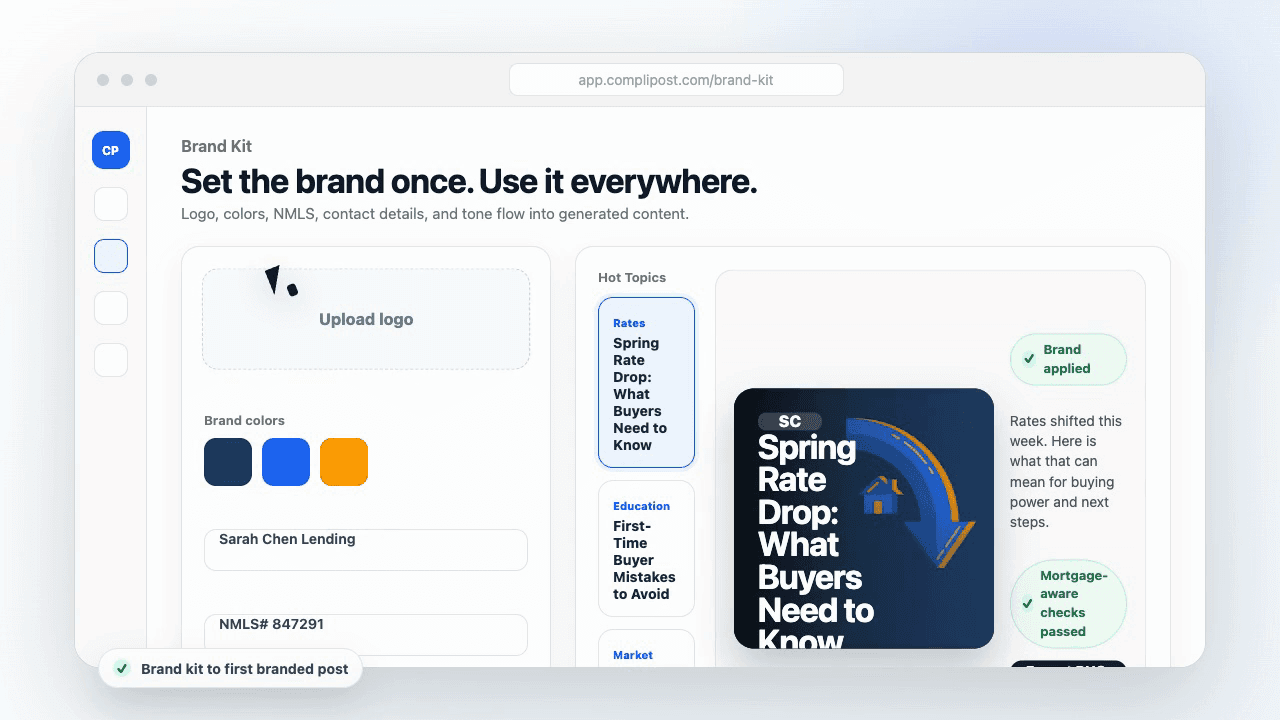
Product workflow
From blank page to export-ready mortgage content
- Start with a borrower topic
- Generate copy and a visual direction
- Review, save, and export the finished asset
These previews reflect the core CompliPost workflow: create, review, save, and export assets for use in your own channels.
Workflow comparison
| Content approach | What happens | Why it matters |
|---|---|---|
| Random posting | One-off ideas created when there is spare time | Inconsistent visibility and weak reuse |
| Template-only posting | Faster design but still requires rewriting and review | Helpful starting point, but not a full system |
| CompliPost workflow | Plan, generate, review, save, and export from one place | Better consistency with mortgage-aware review context |
| Done-for-you service | Someone else creates much of the content | Useful for some teams, but less control and less immediate reuse |
Who this guide helps
This guide is for loan officers working on solo loan officers who need a repeatable mortgage content workflow. The goal is to turn a broad mortgage topic into one borrower question, one useful takeaway, and one asset that can be reviewed before it is shared.
- You need content that sounds like a loan officer, not a generic brand account
- You want examples that can become captions, graphics, GIFs, or PDFs
- You need a clear place to review claims before export
- You want finished work saved for reuse, not lost in a chat thread
A practical workflow for this use case
Start with a narrow scenario, then move through planning, drafting, visual creation, review, and export. For loan estimate ARM fixed-rate comparison, that means the topic should be specific enough that a borrower or referral partner can immediately understand what decision the content helps with.
- Choose the borrower type, loan topic, or platform before generating copy
- Draft the caption and visual together so the asset feels cohesive
- Use the federal baseline review aid to flag claims and disclosure gaps
- Export the finished asset and save the post as a reusable starting point
What makes the content stronger
Strong mortgage content is usually specific, plain-spoken, and calm. It explains tradeoffs without pretending one answer fits every borrower. That is especially important on public social channels, where a short post can be interpreted without the full context of a loan conversation.
- Name the borrower question in the first line
- Explain one decision or tradeoff instead of covering everything
- Use examples without implying approval, savings, or rate outcomes
- End with a soft next step, checklist, or guide rather than pressure
Compliance-aware review notes
CompliPost should be treated as a review aid, not a compliance approval system. The public page, generated draft, graphic, and exported asset should all stay honest about that boundary.
- Review specific payment, APR, rate, savings, and qualification language
- Avoid “best,” “lowest,” “guaranteed,” “free,” and urgency claims unless approved
- Check NMLS, Equal Housing, company, and state-specific requirements
- Use company or legal review for anything outside the federal baseline
How this connects to the rest of CompliPost
A focused guide should leave you with a usable next step. After you understand the topic, you can turn it into a calendar slot, a reviewed social post, a downloadable guide, or a platform-specific version for the channel where your audience already spends time.
- Use the content calendar to turn the idea into a weekly plan
- Use the compliance page when claims or disclosures need a slower pass
- Use lead magnets when the topic deserves a deeper PDF guide
- Use platform pages to adapt the same idea for LinkedIn, Facebook, or Instagram
Recommended next steps
Refinance content hub
Create refinance education without overpromising outcomes.
ARM Questions Borrowers Should Ask Their Lender
Use these questions when you don't understand your Loan Estimate.
How ARMs Work: Index, Margin, and Adjustment Periods
Understanding ARM mechanics helps you make sense of Loan Estimate details.
ARM Rate Caps: Periodic and Lifetime Caps Explained
Caps are the most important ARM detail on your Loan Estimate—learn them cold.
Examples
FAQ
What does 'estimated total interest' mean on the Loan Estimate?+
It's the total amount of interest you'd pay over the full loan term, assuming you make only the minimum required payments and don't refinance or pay early. For an ARM, this estimate assumes rates won't change after the initial period—obviously unrealistic, but it gives a baseline. Don't rely on this for ARM planning; use worst-case cap scenarios instead.
Why do ARM Loan Estimates sometimes show two different 'total interest' numbers?+
One is the interest for the initial fixed period only; the other is an estimate for the entire loan. For ARMs, the second number is speculative because future adjustments are unknown. Focus on the first number (initial period interest) and calculate worst-case yourself using the lifetime cap.
Should I compare APR (annual percentage rate) between ARM and fixed-rate?+
APR is useful but not the full story. APR includes rate and certain closing costs, averaged over the loan term. For ARMs, APR assumes a specific rate path in the future, which is guesswork. Use APR as one data point, but focus on the interest rate, monthly payment, and caps—those are more meaningful for comparison.
What if the Loan Estimate doesn't clearly show the worst-case ARM payment?+
That's the lender's job to show, but they may not calculate it explicitly. Do it yourself: take the initial rate, add the lifetime cap (the document shows both), and use a payment calculator with that rate. If the lender won't provide this calculation, that's a red flag.
How do I know if an ARM Loan Estimate is better than a competing one?+
Compare: (1) starting rate (lower is better), (2) margin (lower is better), (3) caps (lower lifetime cap is better, but higher periodic cap might mean slower adjustments), (4) closing costs, and (5) total cost for your specific timeline. No single number tells the story—compare comprehensively.
Create mortgage content with a calmer workflow
CompliPost helps you plan, generate, review, save, and export useful mortgage content without pretending compliance or social distribution is automatic.
Start free